Teams: Product & Design
Specifications, design and engineering in one flow of work
Write specifications as documents, link them to epics and work items, approve designs in a workflow and plan the roadmap from current project data.
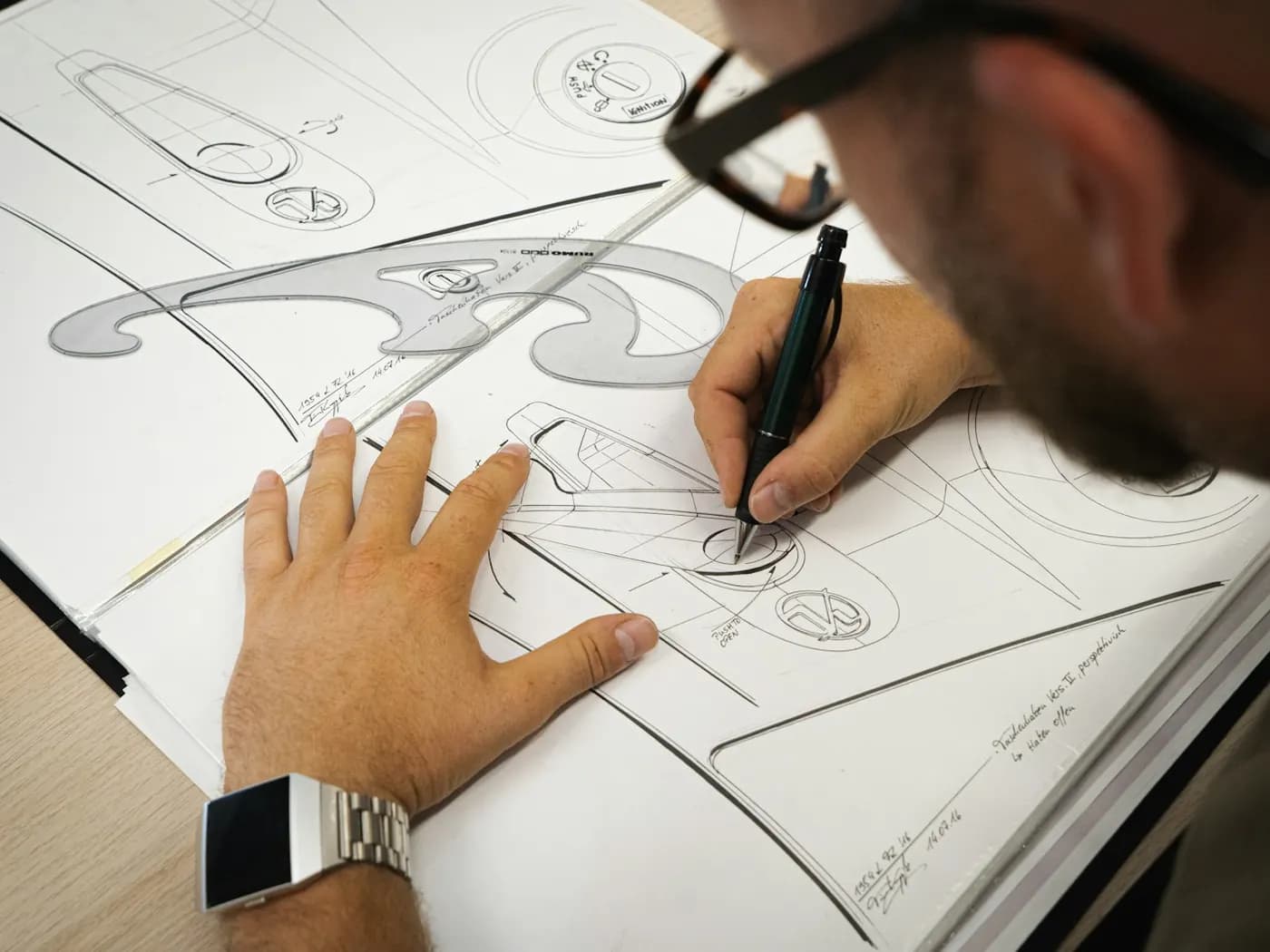
What product & design gets
Specifications right next to the work
Documents can be linked to epics and work items, and the version history keeps every change.
Design approval in the workflow
Define the approval statuses, the transitions and the approvals required.
A roadmap from the current work
Milestones and releases let you follow the plan without copying anything into another tool.
How to get started
Four steps from the first configuration to everyday work.
- 1
Create the product space with epics as the initiative level
- 2
Write specifications in Documents and link them to their epics
- 3
Draw the design review workflow with named approvers
- 4
Read the roadmap from milestones and releases, not from a slide
Capabilities in play
- Epics
- Documents
- Document templates
- Workflows
- Milestones
- Releases
- Gantt
- Shared filters
More solutions for teams
Try GoProject with your team: 30 days free, no credit card needed.
Get started free