Use cases: Working in an isolated network
GoProject works without an internet connection too
Deploy GoProject in your data centre, private cloud or isolated network. The system does not need a connection to the LTECH infrastructure or to the internet.
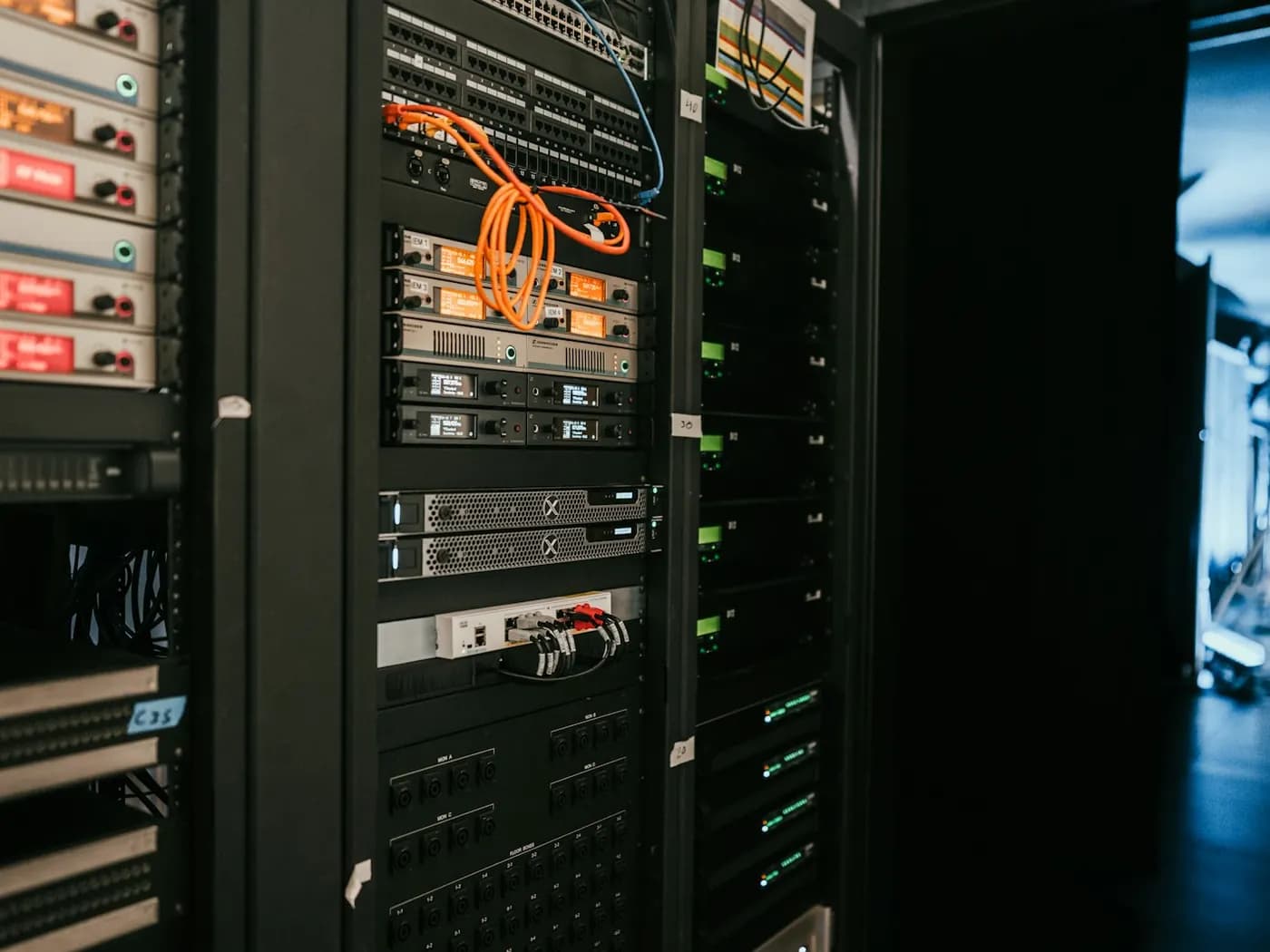
What working in an isolated network gets
No mandatory outbound connections
GoProject needs no licence server and no telemetry. Outbound connections are needed only when you choose to use the integrations that require them.
Updates under your control
Deploy a new version when you are ready, and test it in your own test environment first.
A directory in your infrastructure
LDAP and Active Directory can be connected to your organisation's directory. Local GoProject accounts work as well.
How to get started
Four steps from the first configuration to everyday work.
- 1
Deploy GoProject in the environment you have chosen.
- 2
Connect the database and the file storage you need.
- 3
Configure the directory, e-mail and the other integrations your environment needs.
- 4
Update GoProject the way your organisation deploys software.
Capabilities in play
- LDAP and AD
- Two-factor
- Audit log
- Password policy
- Service accounts
- REST API
More solutions by use case
Try GoProject with your team: 30 days free, no credit card needed.
Get started free