Industries: Transport and logistics
Projects, sites and partners in one system
Manage projects across several sites, work with partners in the customer portal and keep the history of the work in one GoProject installation.
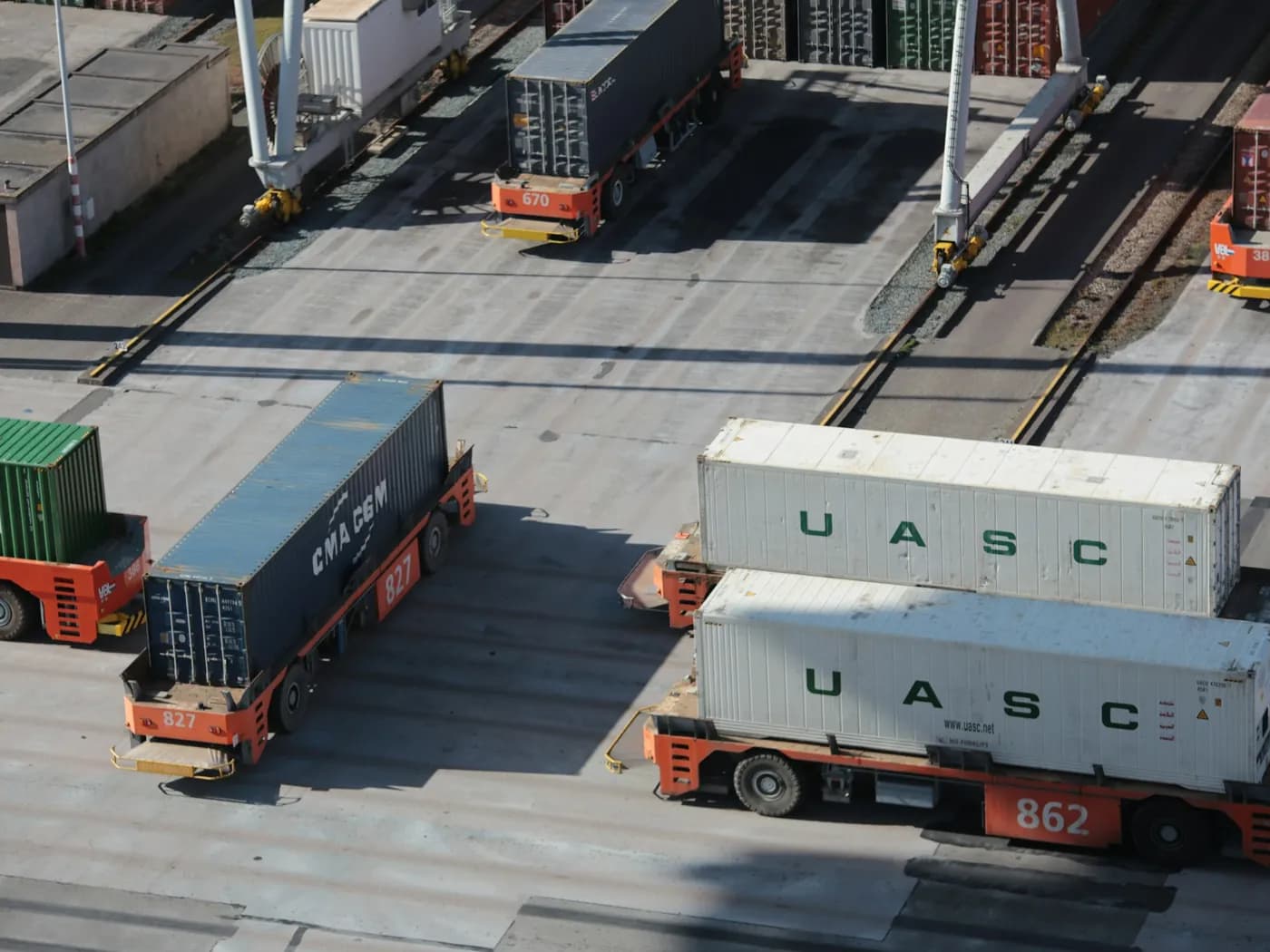
What transport and logistics gets
Projects for different sites and lines of business
Group the projects of depots, terminals, sites or lines of business the way the organisation is structured.
Partners in the customer portal
Carriers and subcontractors submit tickets and see only the information open to them or their organisation.
Dependencies in the Gantt plan
Plan work that depends on other work and see how delays affect the project deadlines.
How to get started
Four steps from the first configuration to everyday work.
- 1
Deploy GoProject centrally and connect the directory.
- 2
Create the spaces and projects you need.
- 3
Add the partners to the customer portal.
- 4
Plan the projects that depend on each other in the Gantt view.
Capabilities in play
- Spaces
- Customer portal
- Organisations
- Gantt
- Kanban boards
- Audit log
More solutions by industry
Try GoProject with your team: 30 days free, no credit card needed.
Get started free